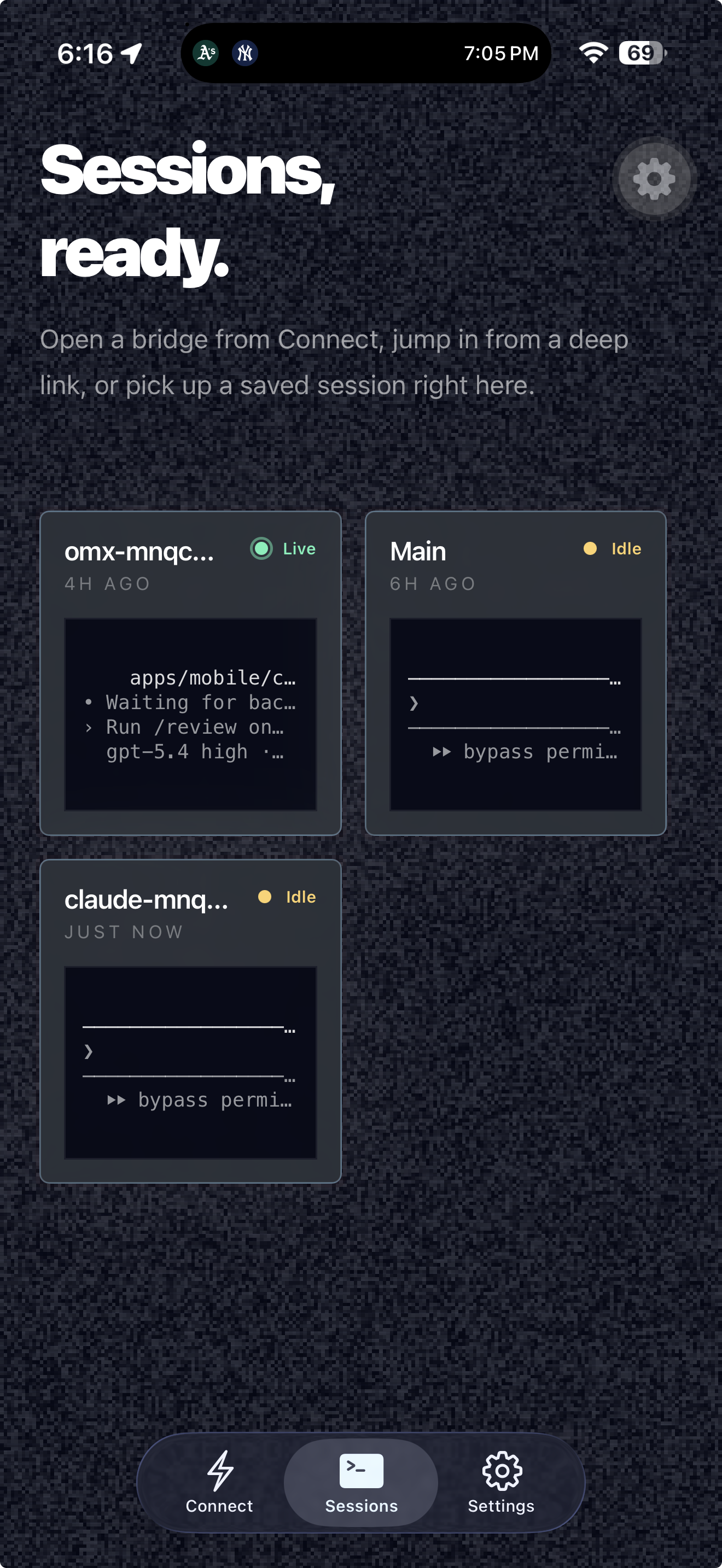
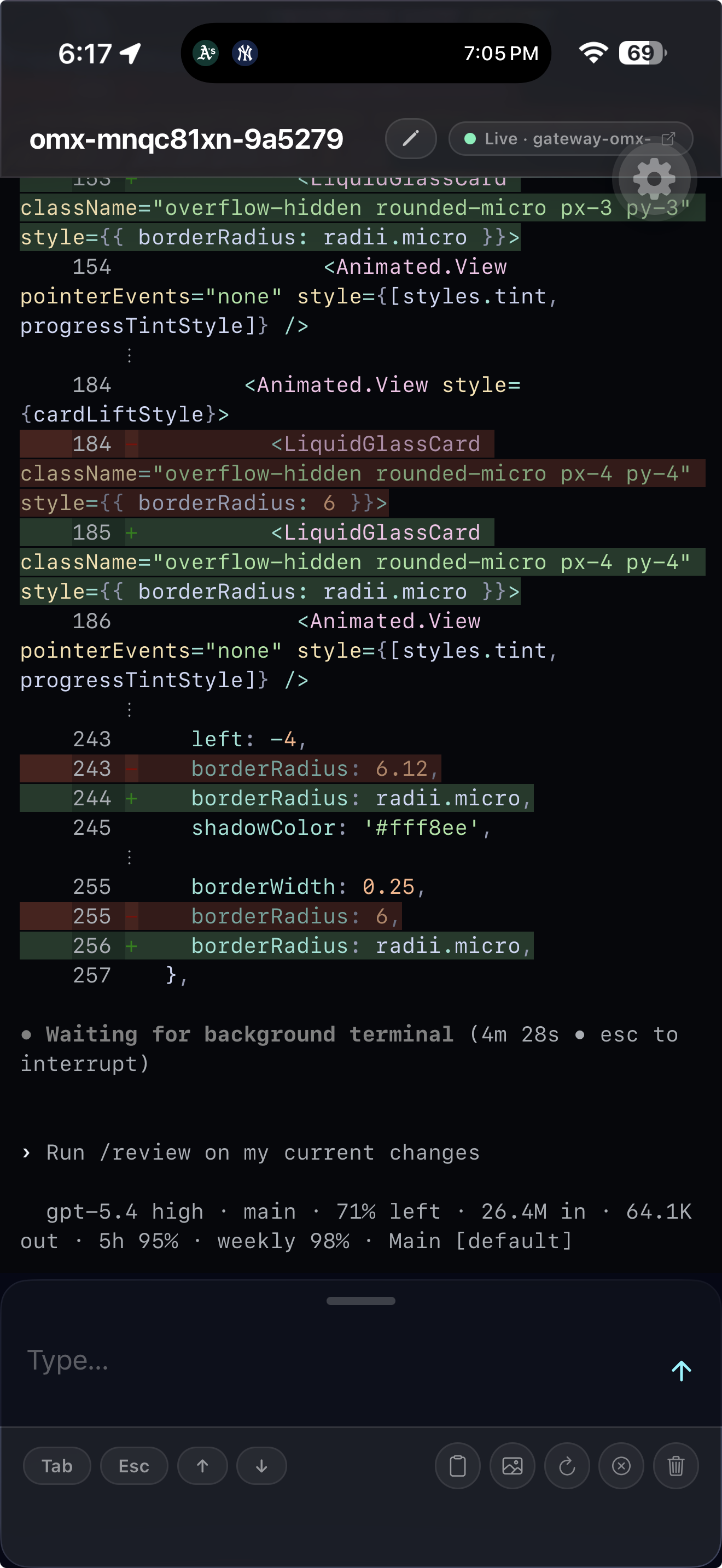
Your terminal,
from your phone.
A razor-thin remote around any terminal process. Watch, type, and control live sessions from anywhere — browser or native app.
$
npx @sethwebster/rzr run -- node server.js
click to copy
rzr remote live bridge status
Sessionomx-mnqc81xn
Port4318
Token0tJoKW6-978fViT_yvM_P2Sm
Modepassword-gated · public
Tunnelgateway via cloudflared
Connect (connected)
https://omx-mnqc81xn-9a5279.free.rzr.live/?token=0tJoKW6-978fViT_yvM_P2Sm
http://localhost:4318/?token=0tJoKW6-978fViT_yvM_P2Sm
http://100.73.185.56:4318/?token=0tJoKW6-978fViT_yvM_P2Sm
http://192.168.1.189:4318/?token=0tJoKW6-978fViT_yvM_P2Sm
Status
terminallive · node
tunnelconnected · gateway connected
exposurepublic
authpassword required
clients0 connected
health6/6 healthy
activityGET /api/session · just now
requests2307 observed
Request log
06:18:01 PM GET /api/session 401 sessions:0 · 1ms 127.0.0.1
06:18:03 PM GET /api/session 401 sessions:0 · 0ms 127.0.0.1
06:18:05 PM GET /api/session 401 sessions:0 · 0ms 127.0.0.1
06:18:05 PM GET /api/session 200 sessions:0 · 1ms 127.0.0.1
06:18:07 PM GET /api/session 401 sessions:0 · 0ms 127.0.0.1
06:18:09 PM GET /api/session 401 sessions:0 · 0ms 127.0.0.1
06:18:10 PM GET /api/session 200 sessions:0 · 2ms 127.0.0.1
06:18:11 PM GET /api/session 401 sessions:0 · 0ms 127.0.0.1
06:18:13 PM GET /api/session 401 sessions:0 · 0ms 127.0.0.1
06:18:15 PM GET /api/session 200 sessions:0 · 1ms 127.0.0.1
06:18:17 PM GET /api/session 401 sessions:0 · 0ms 127.0.0.1
06:18:20 PM GET /api/session 200 sessions:0 · 1ms 127.0.0.1